Overview
Powerful desktop editor.
Wrong tool for the floor.
DeepHow's desktop editor was capable, but it assumed the wrong environment. Factory floors often had poor or unstable Wi-Fi, limited access to computers, and strict maintenance windows where machines could only stay stopped for a short time.
Recordings had to happen during those windows. Every extra trip back to an administrative area meant less time capturing knowledge and more downtime while equipment sat idle.
The mobile experience needed to let experts capture, fix, and prepare workflows directly on the floor, then upload everything once connectivity became available.
Knowledge capture had to happen within narrow maintenance windows,
often with poor connectivity and no access to desktop tools.
My Role
End-to-end, floor-first.
- Led the end-to-end design of the mobile capture and editing experience for factory environments
- Defined a phased delivery strategy with engineering to balance speed, feasibility, and operational value
- Designed offline-friendly workflows for capturing, editing, and uploading content under poor connectivity
- Shaped the UX around speed, clarity, and zero learning curve for workers already under operational pressure
- Partnered with engineering to enable asynchronous uploads, so workflows could sync once connectivity returned
Decisions
The choices that shaped the product.
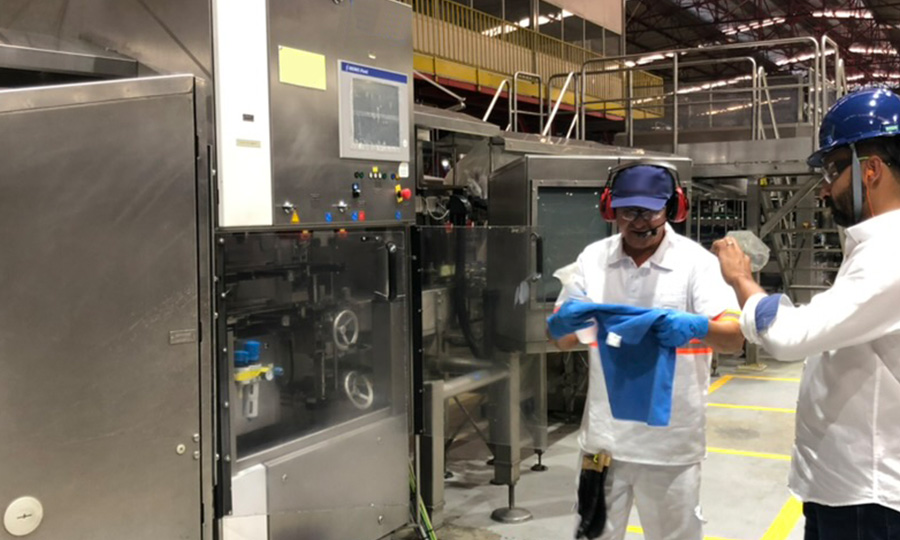
Keep experts on the floor
Every trip back to a desktop was time lost during a maintenance window. By embedding editing directly into the mobile capture flow, experts could fix footage immediately after recording. Removing the context switch between floor and office was the single biggest friction reduction the product could make.
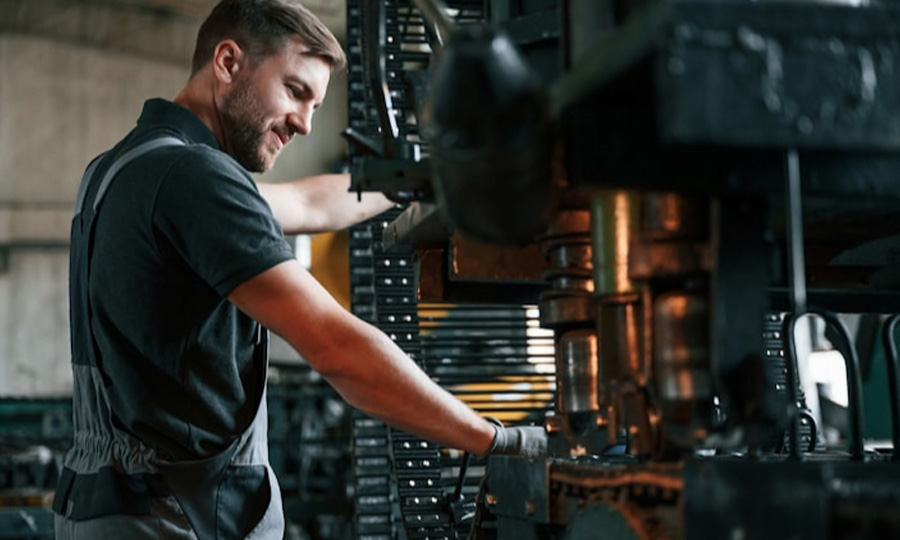
Design for unreliable environments
Workers couldn't depend on stable connectivity while recording on the floor. Offline-first support was built into Phase 1 , workflows could be captured, edited, and stored locally during maintenance windows, then uploaded automatically once internet became available. Connectivity was treated as an eventual condition, not a requirement.
Simplicity over editing power
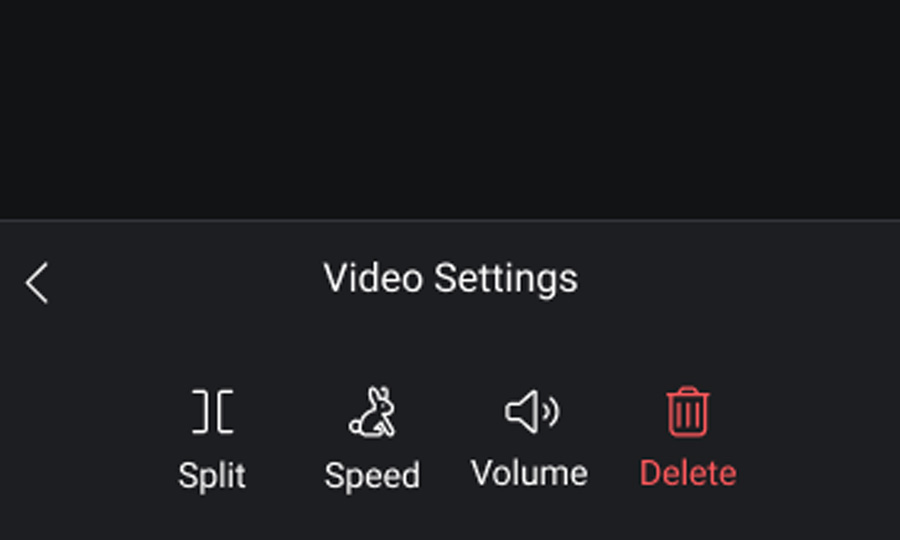
Workers in operational environments couldn't stop to learn a tool. Each feature was evaluated against a single question: does this reduce friction after capture, or add it? What remained was a set of one-tap actions simple enough to use correctly the first time, without instructions.
Ship value through phased delivery
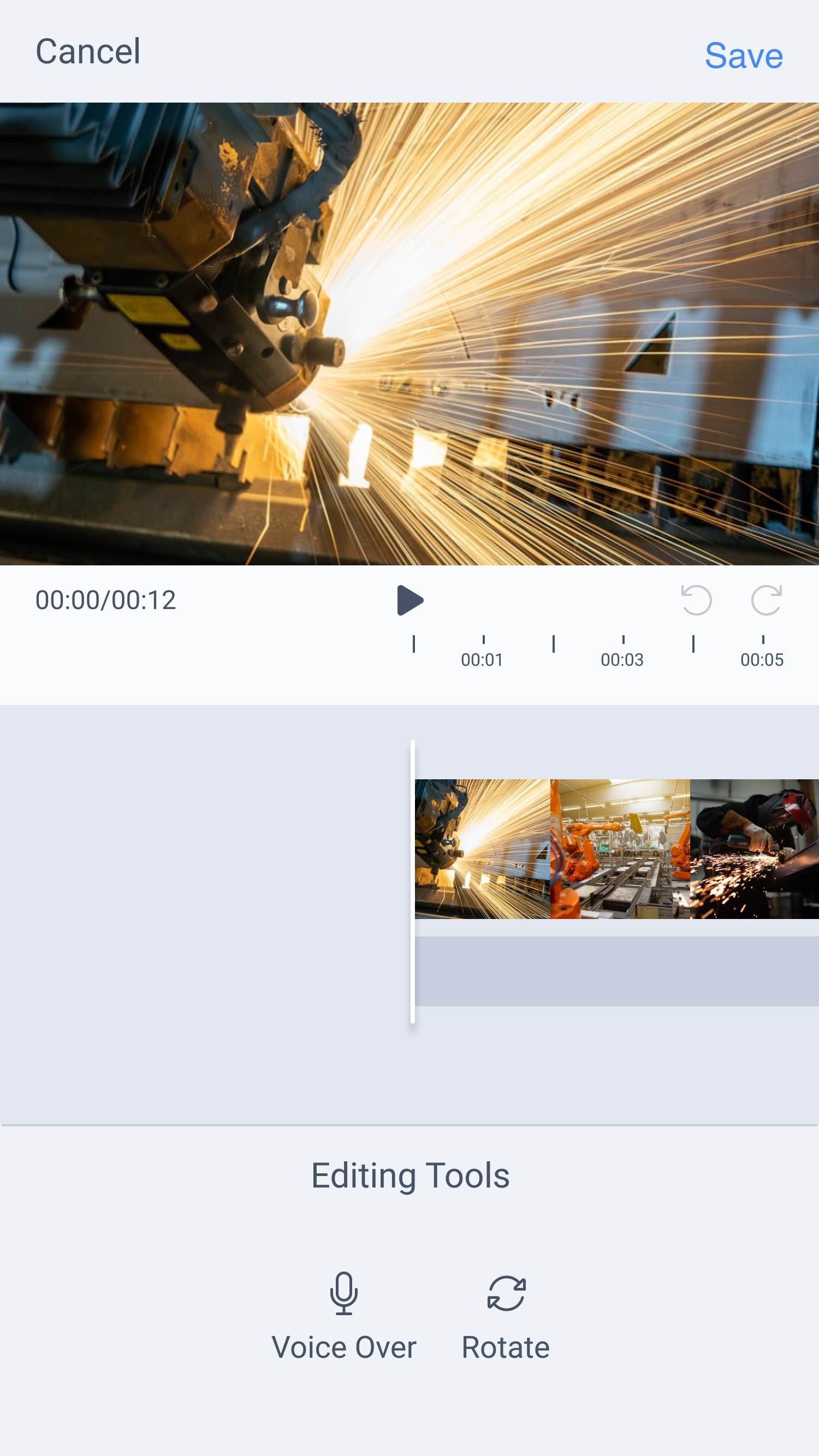
Rather than waiting for a complete editing suite, Phase 1 targeted the most immediate operational gaps: clip rotation, voice-over, and offline upload support. Workers got real, usable value from day one. Phase 2 expanded the editing tools without revisiting the foundation the first release had already established.
Phase 1
Fix the biggest capture blockers
- Voice-over recording
- Clip rotation
- Offline workflow upload support
Phase 2
Add lightweight editing control
- Clip trimming
- Background music
- Playback speed controls
Final Design
Two phases. One coherent floor experience.
Fix the biggest capture blockers.
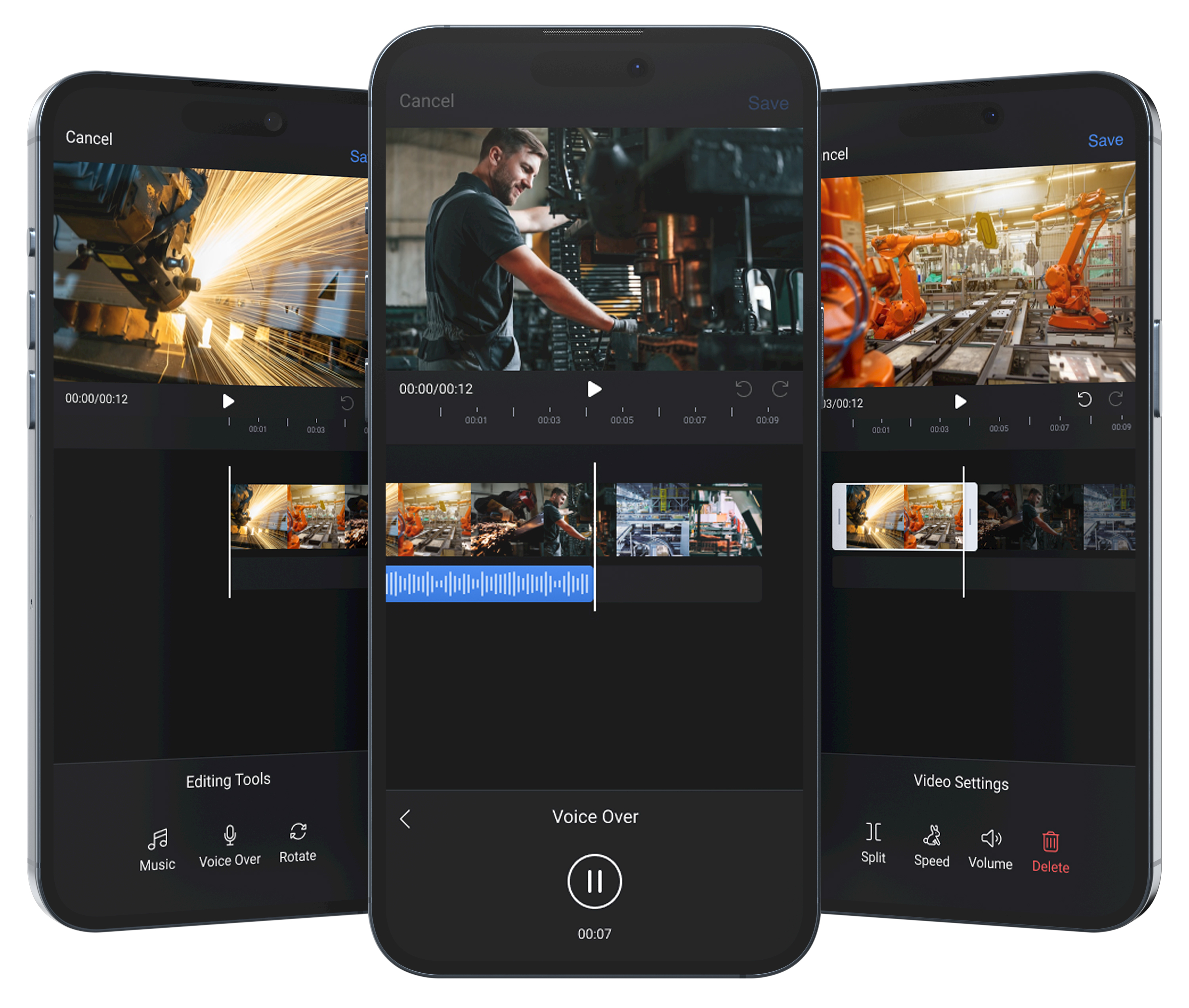
Workers could immediately solve the most common problems after recording , rotating sideways footage, adding voice-over, and preparing workflows for offline upload directly from the factory floor, without returning to a desktop editor.
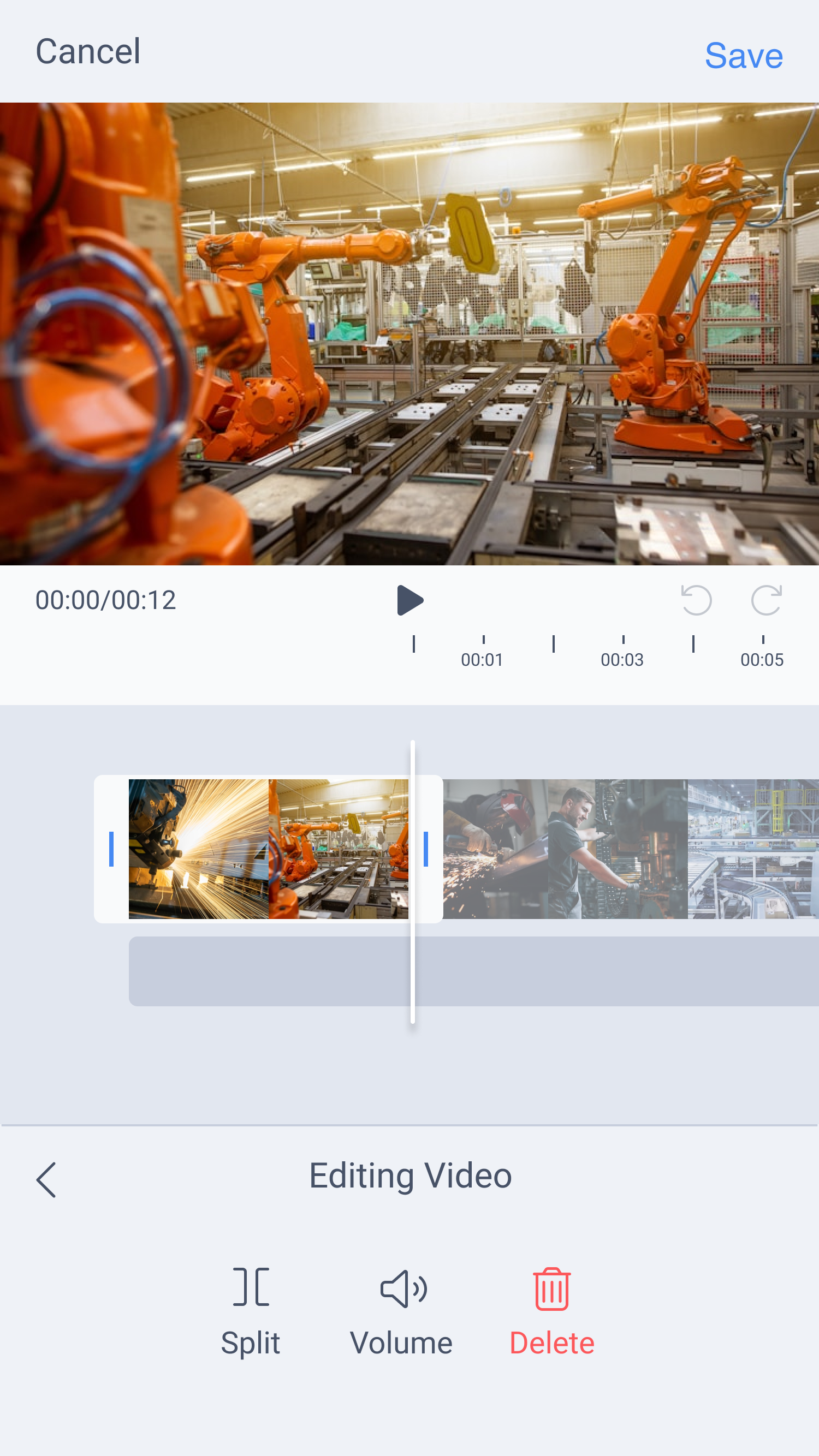
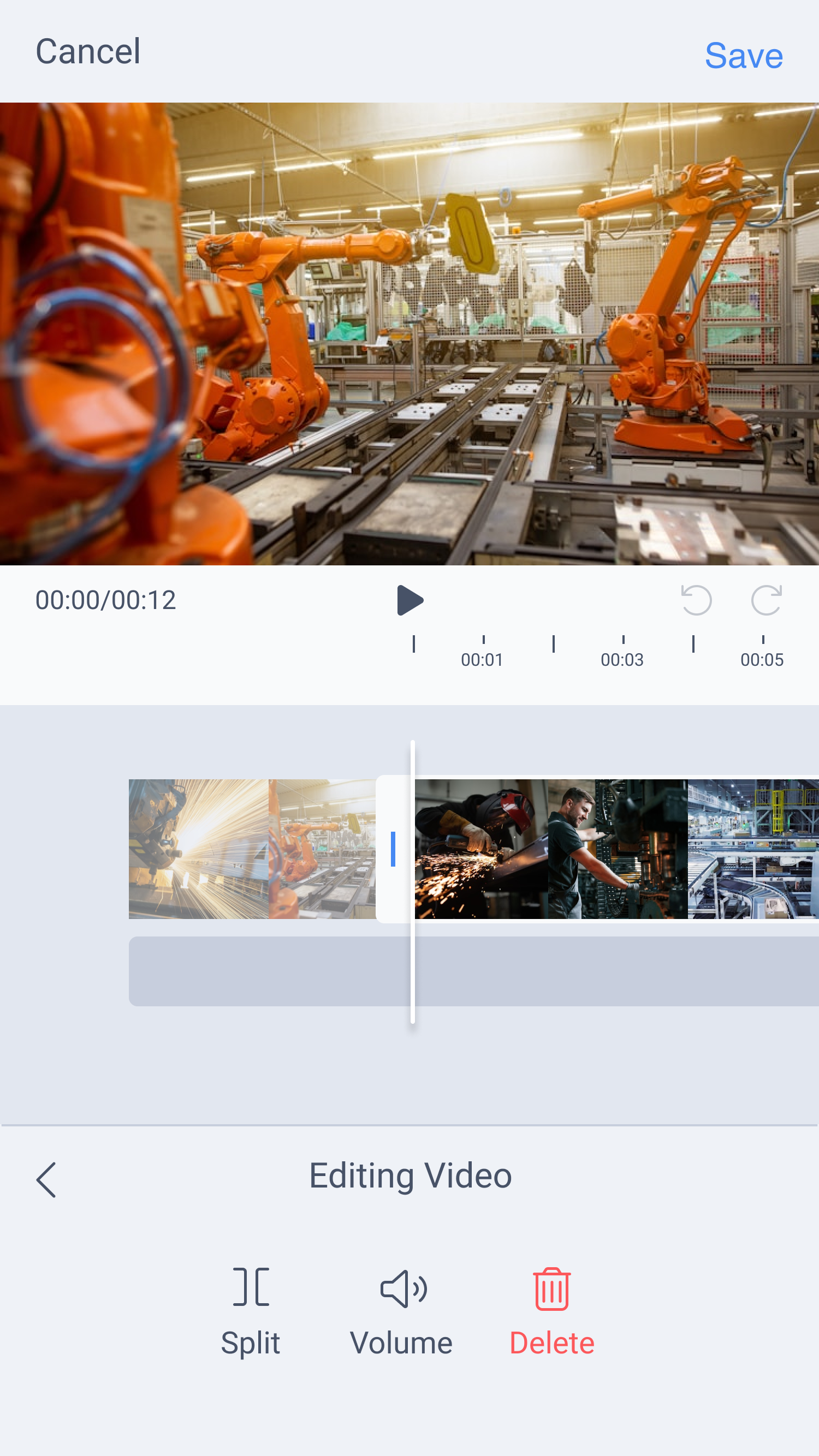
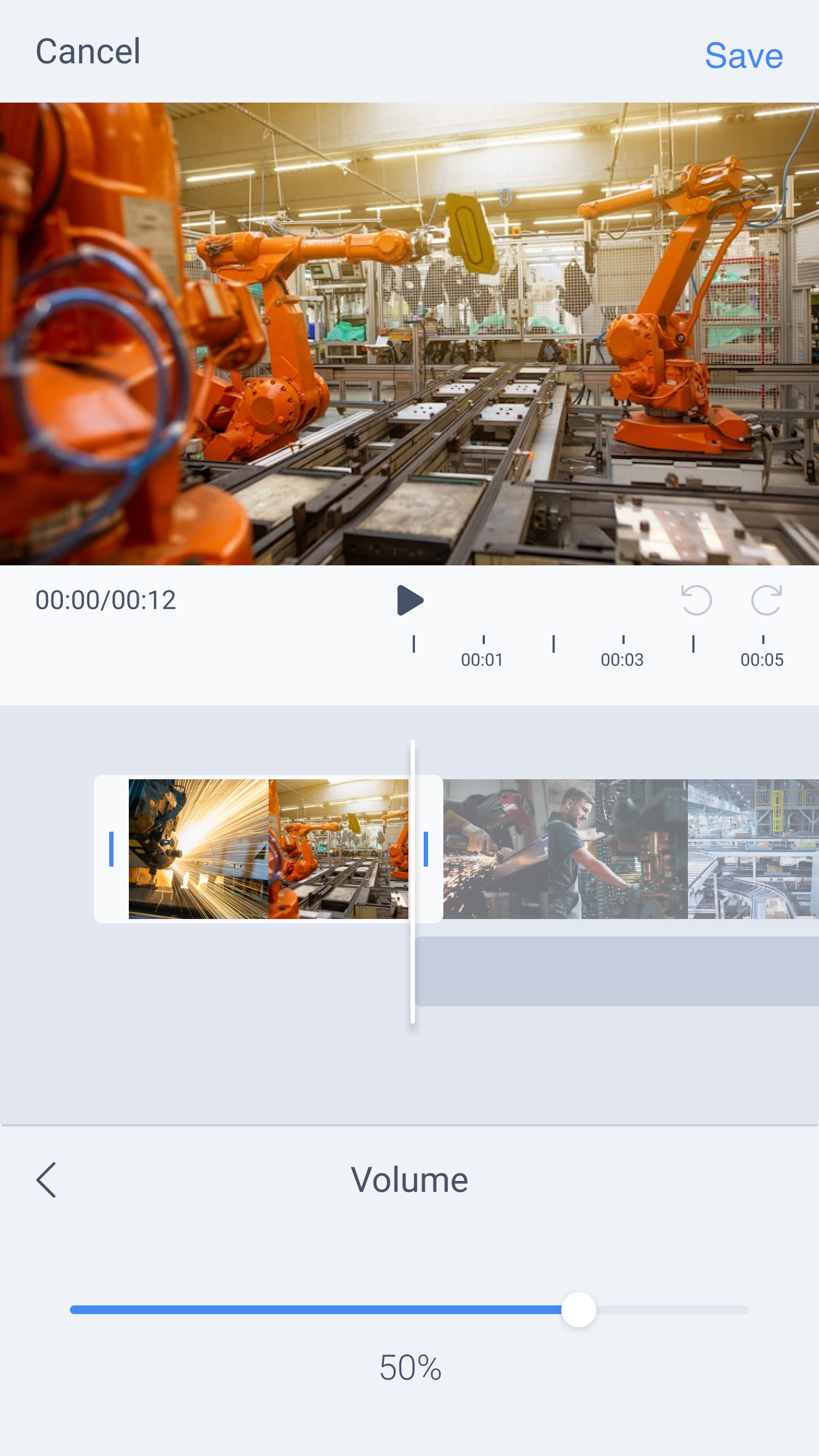
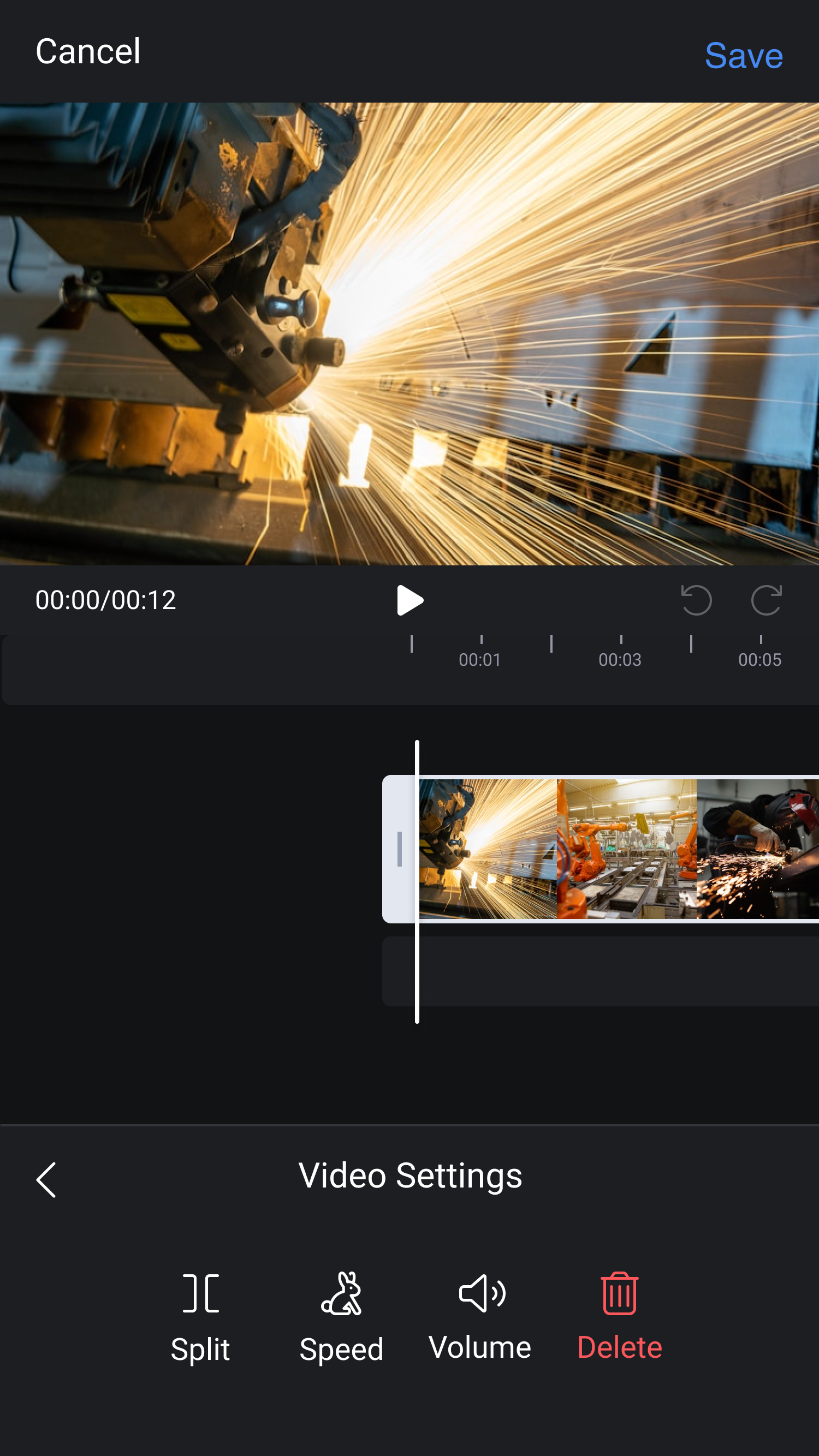
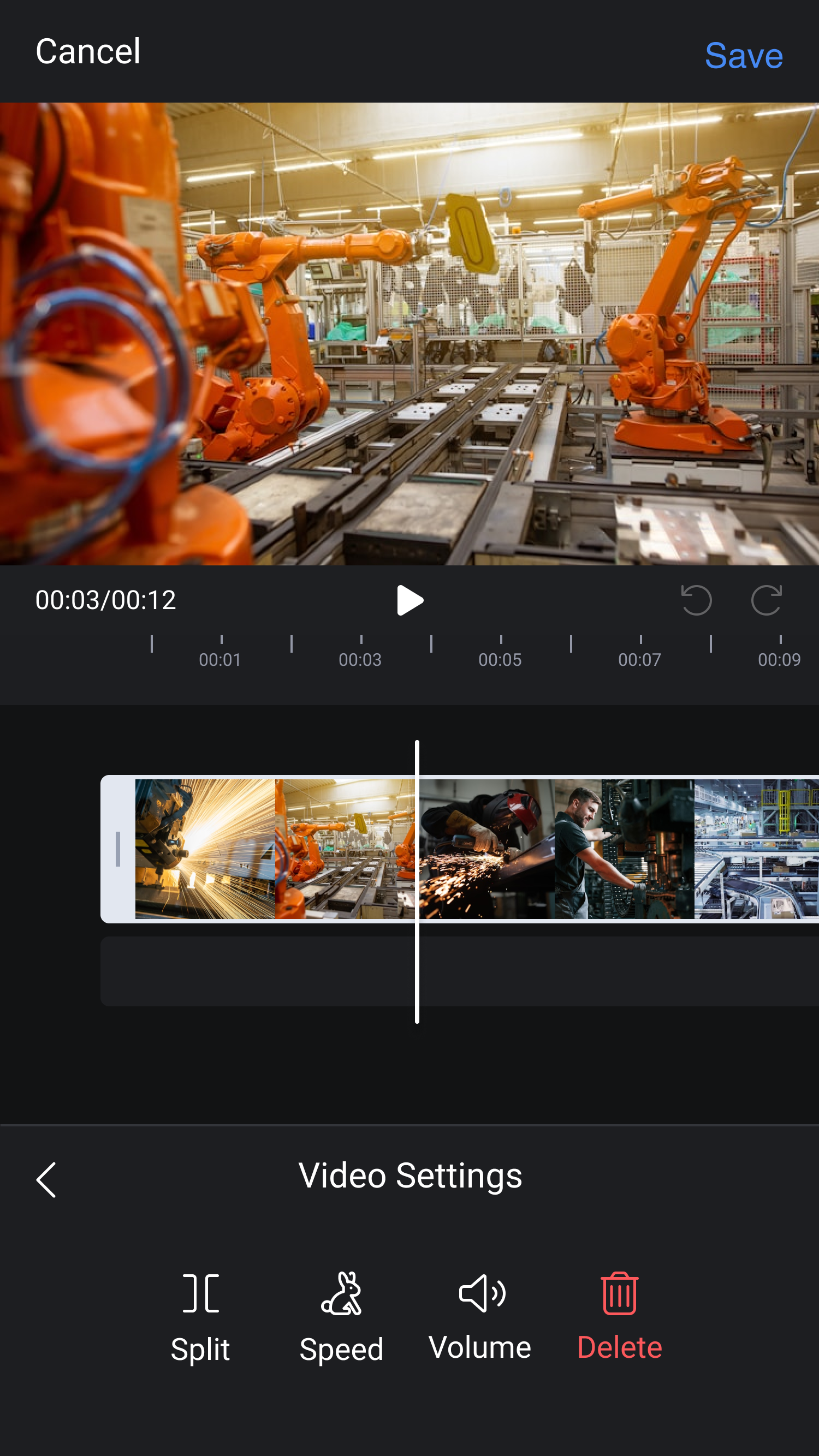
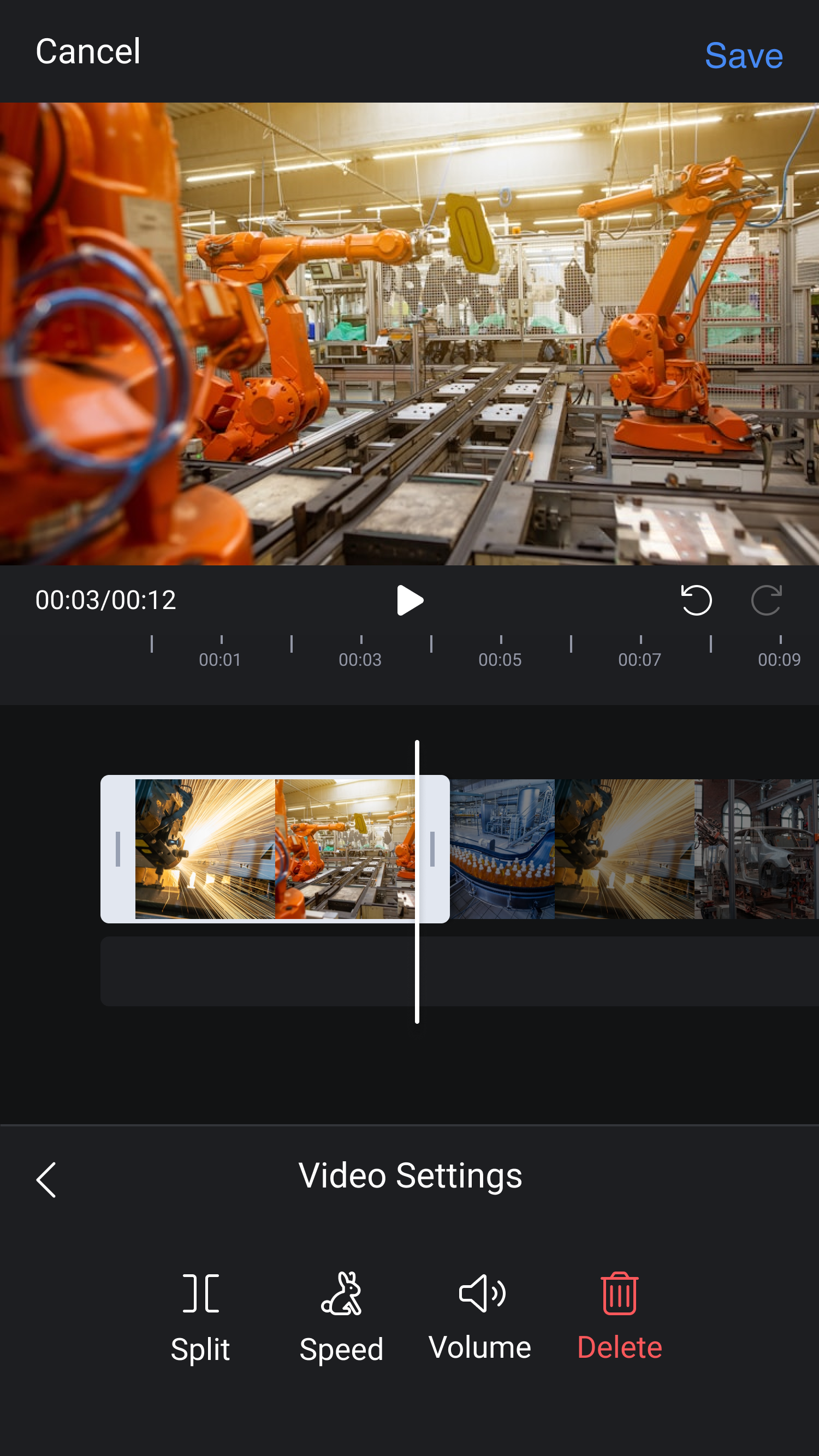
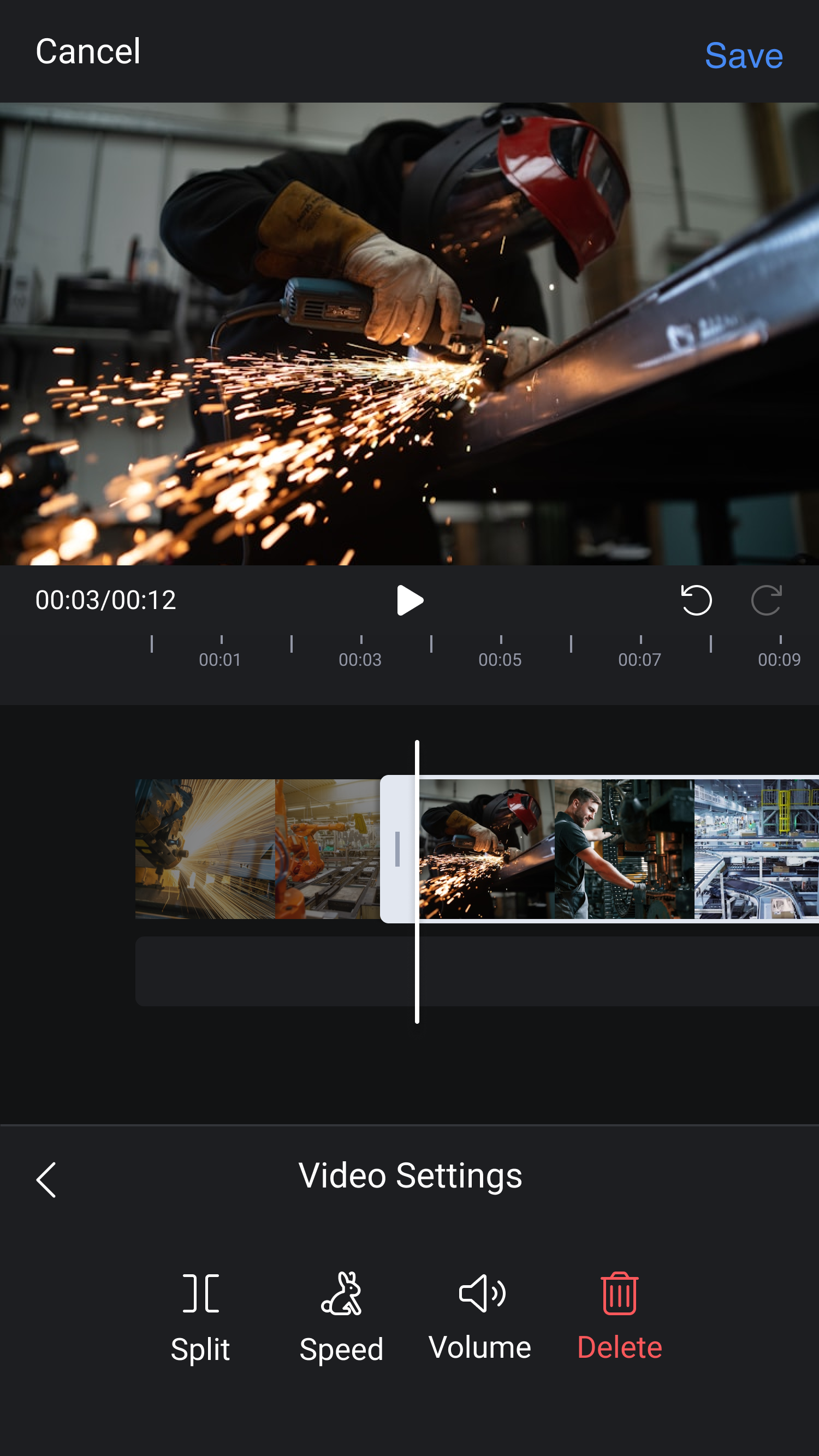
Lightweight editing built for factory conditions.
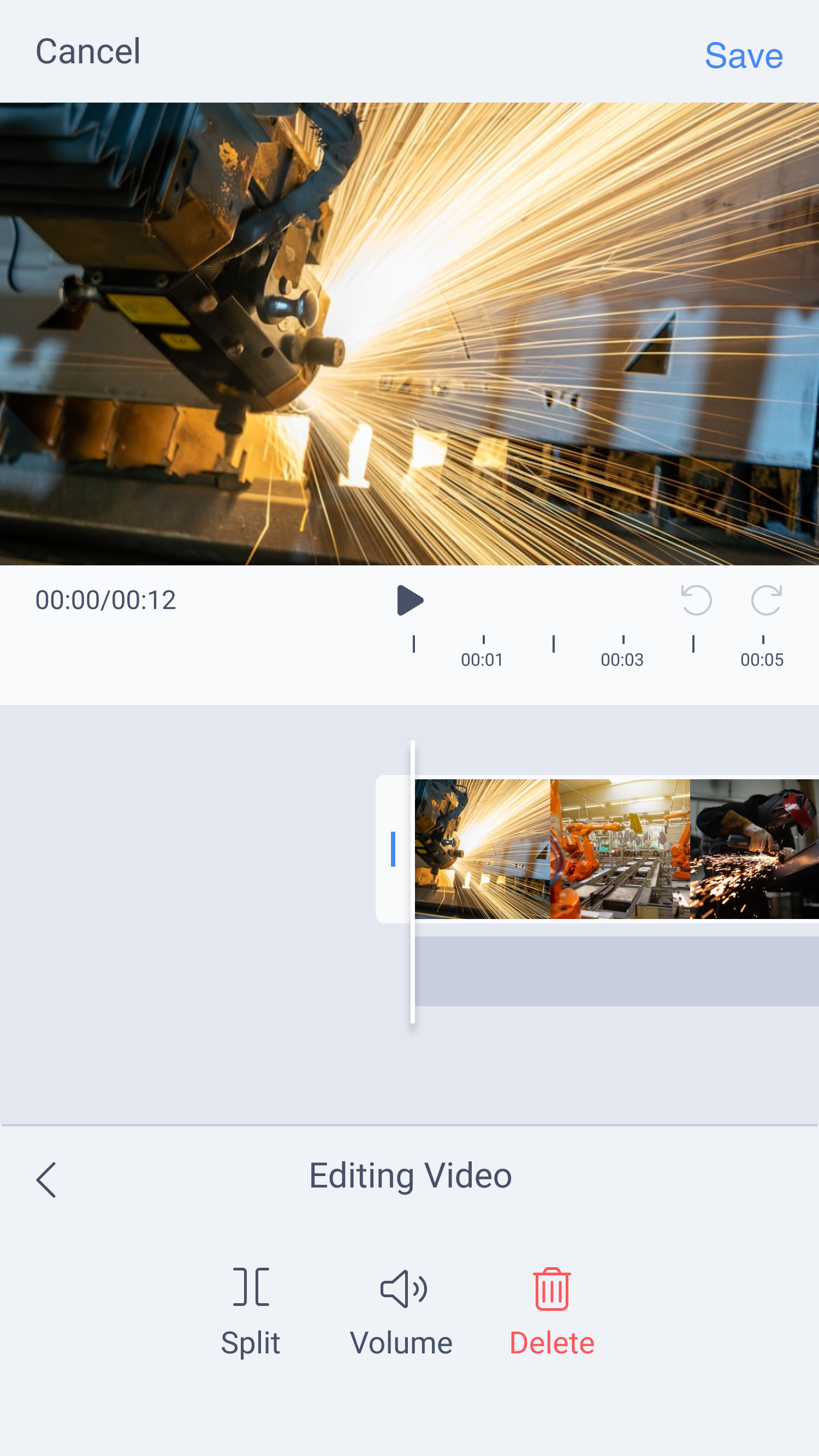
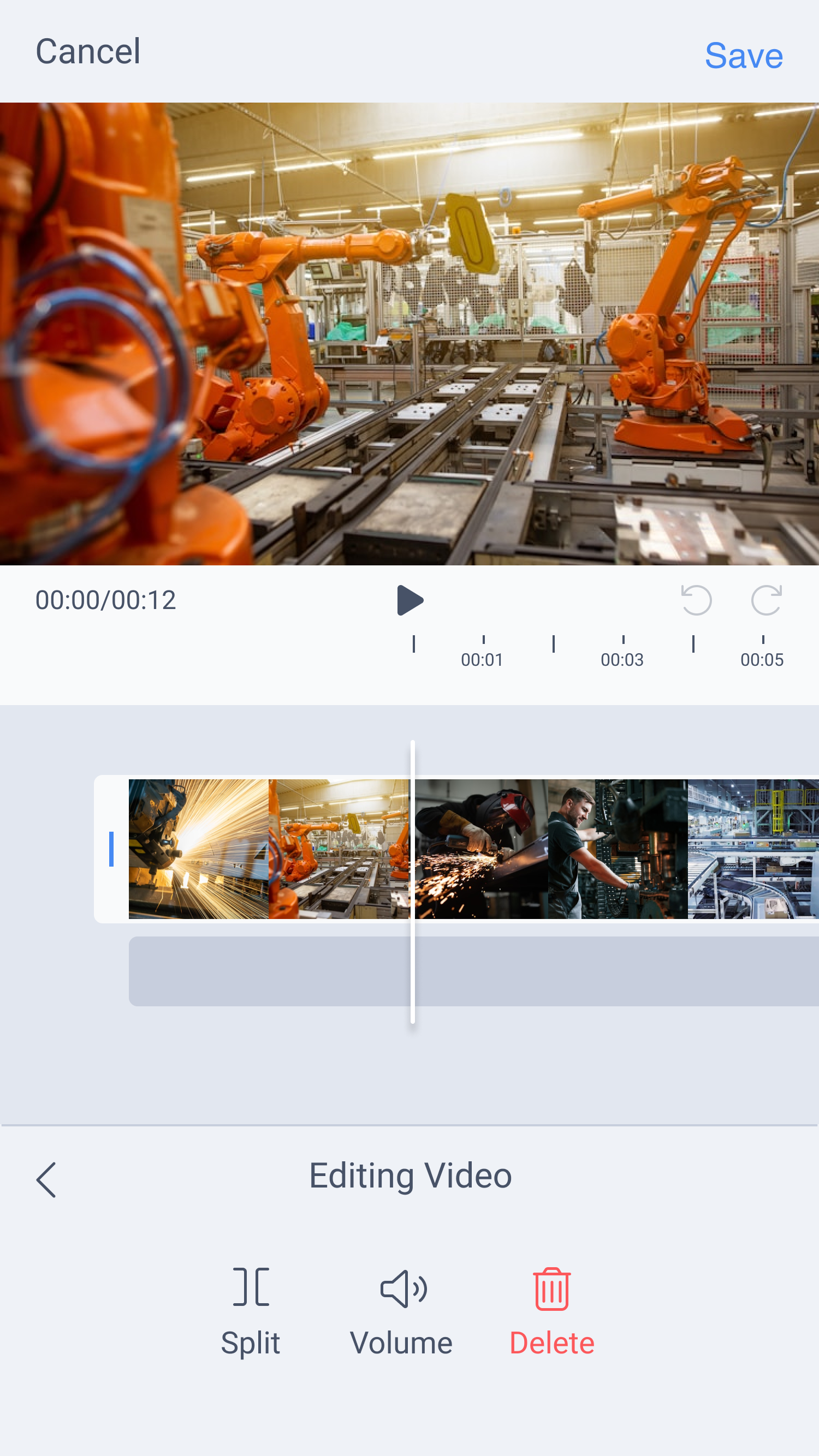
Phase 2 expanded the mobile workflow with trimming, playback controls, and lightweight editing tools designed for fast adjustments under real factory conditions, giving experts more flexibility without turning the app into complex editing software.
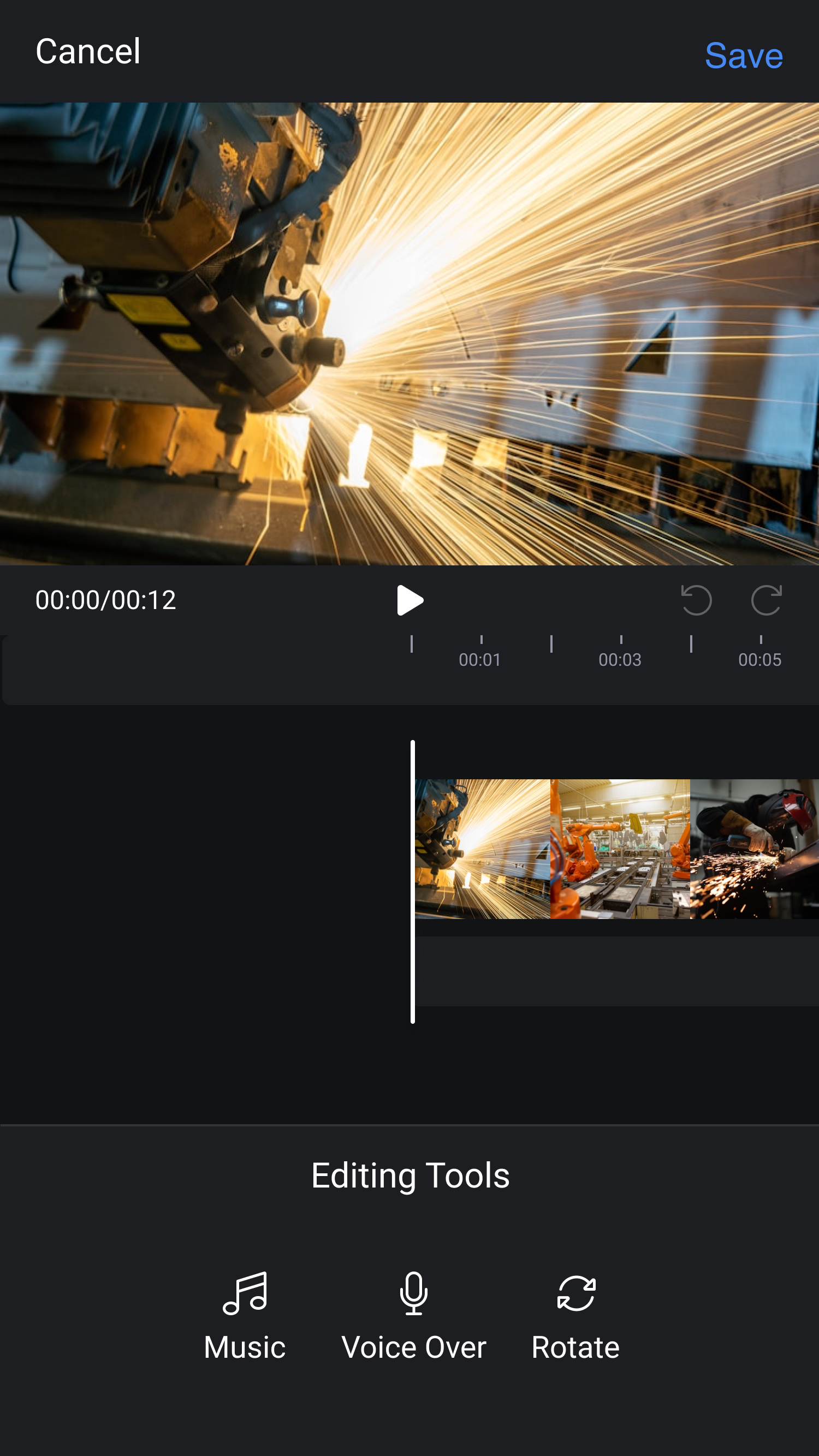
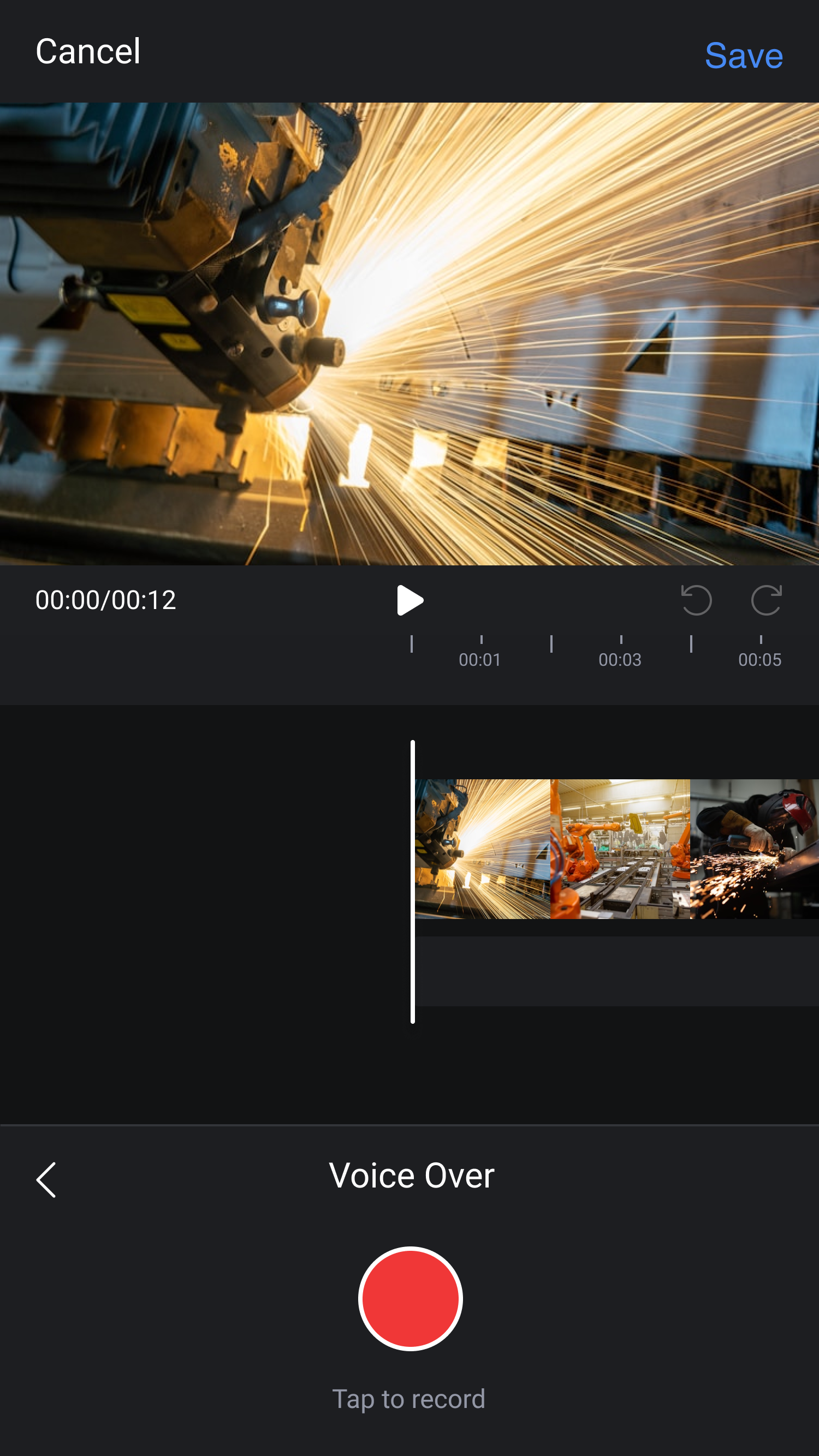
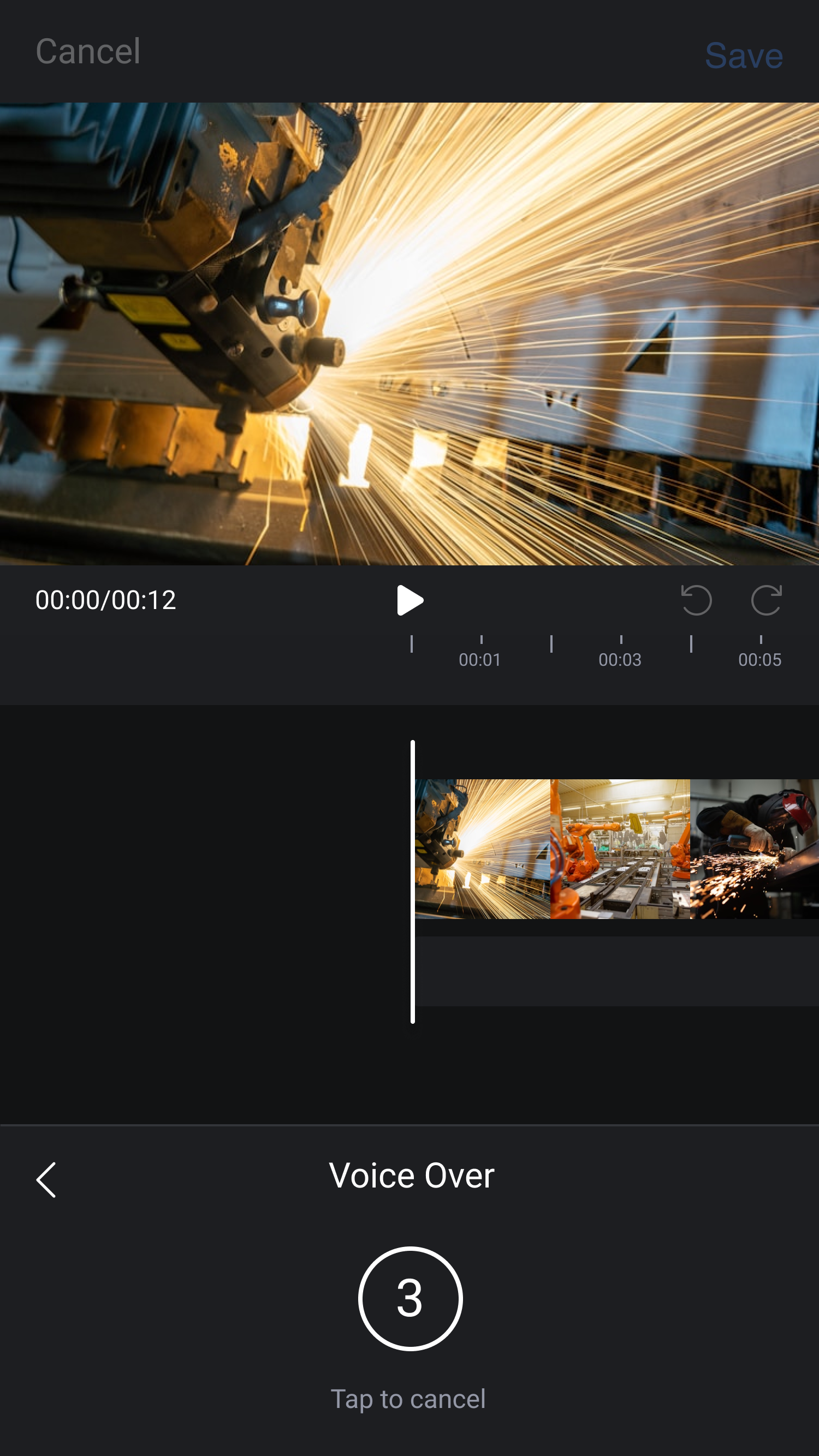
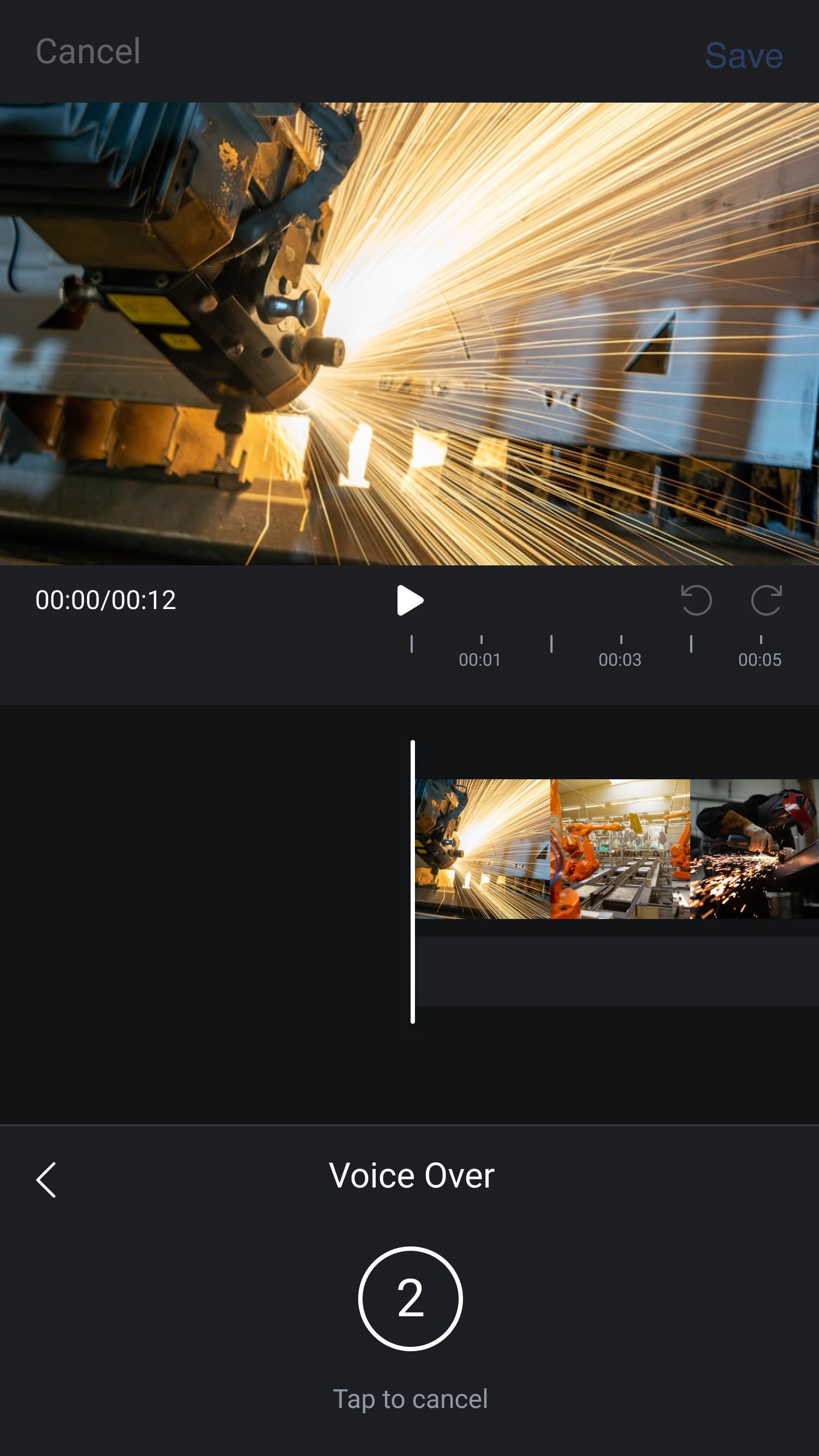
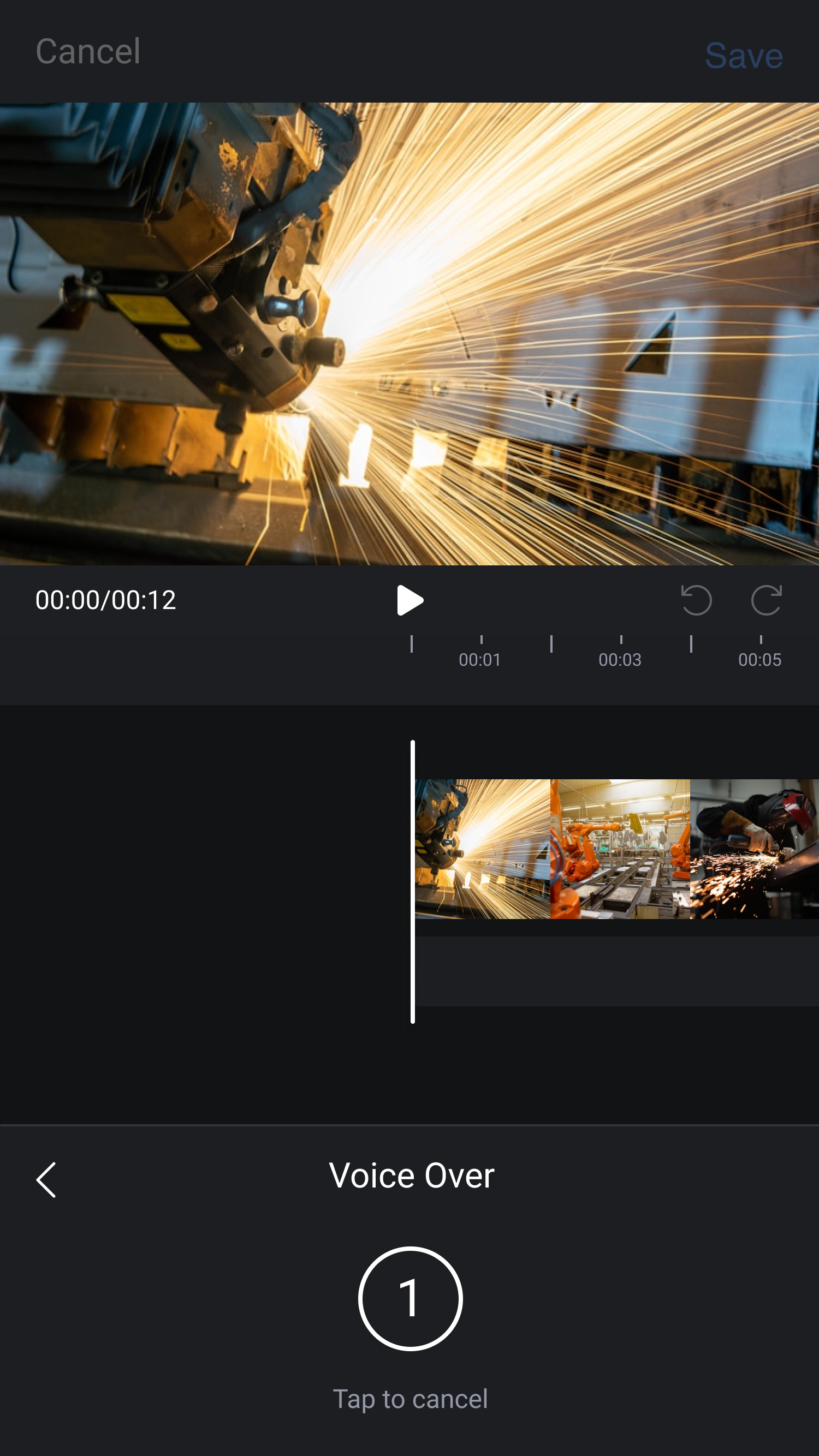
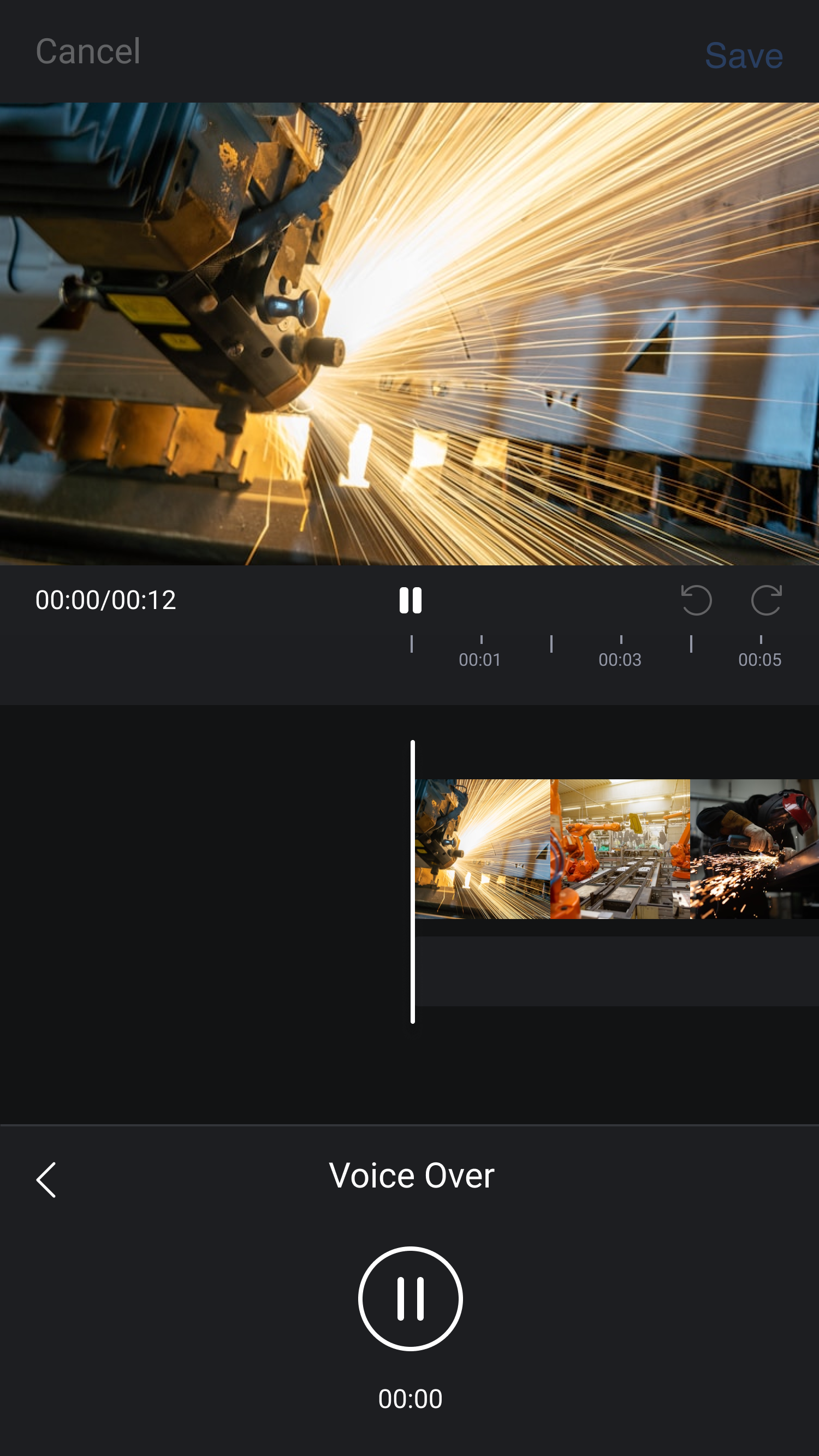
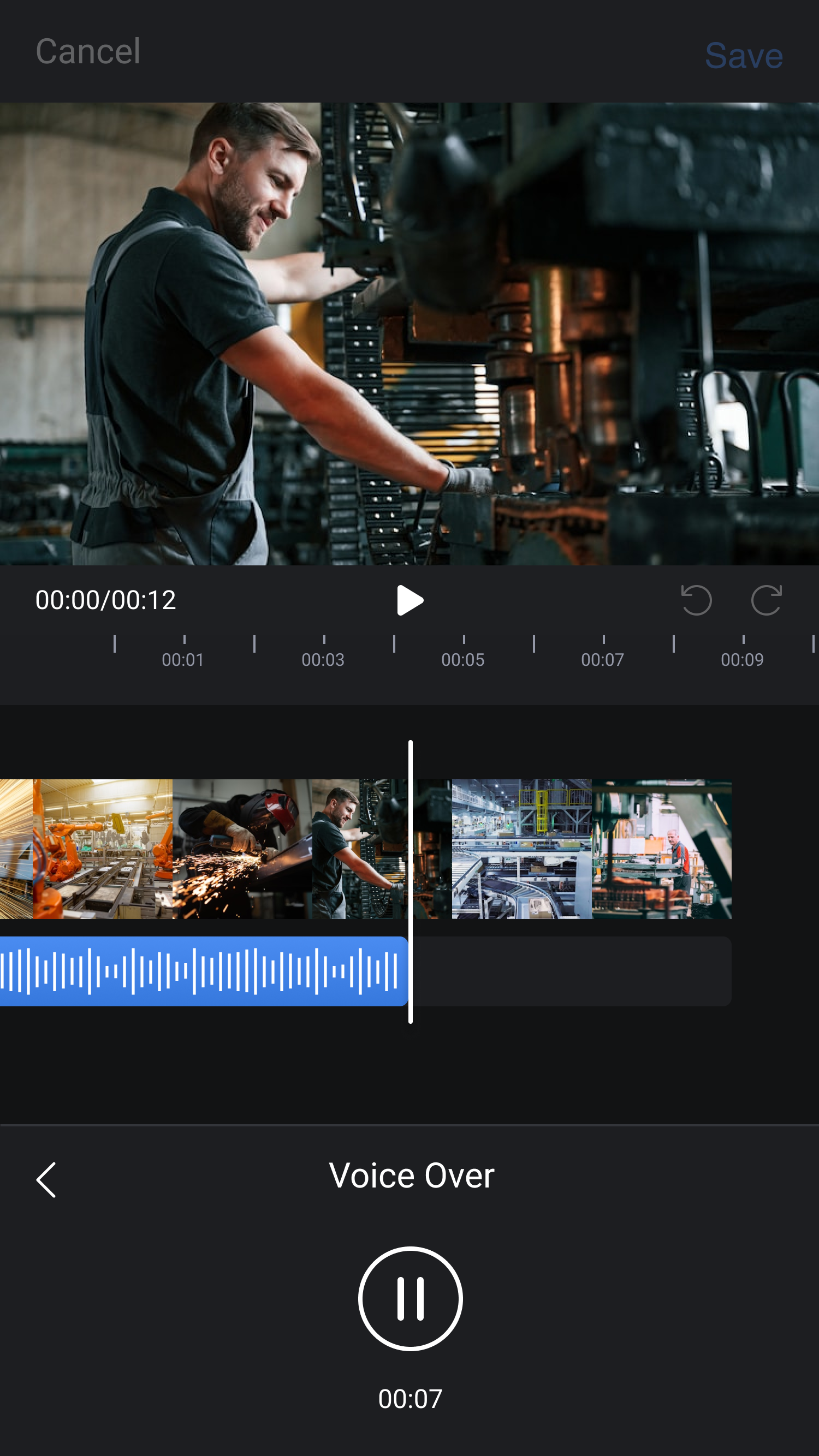
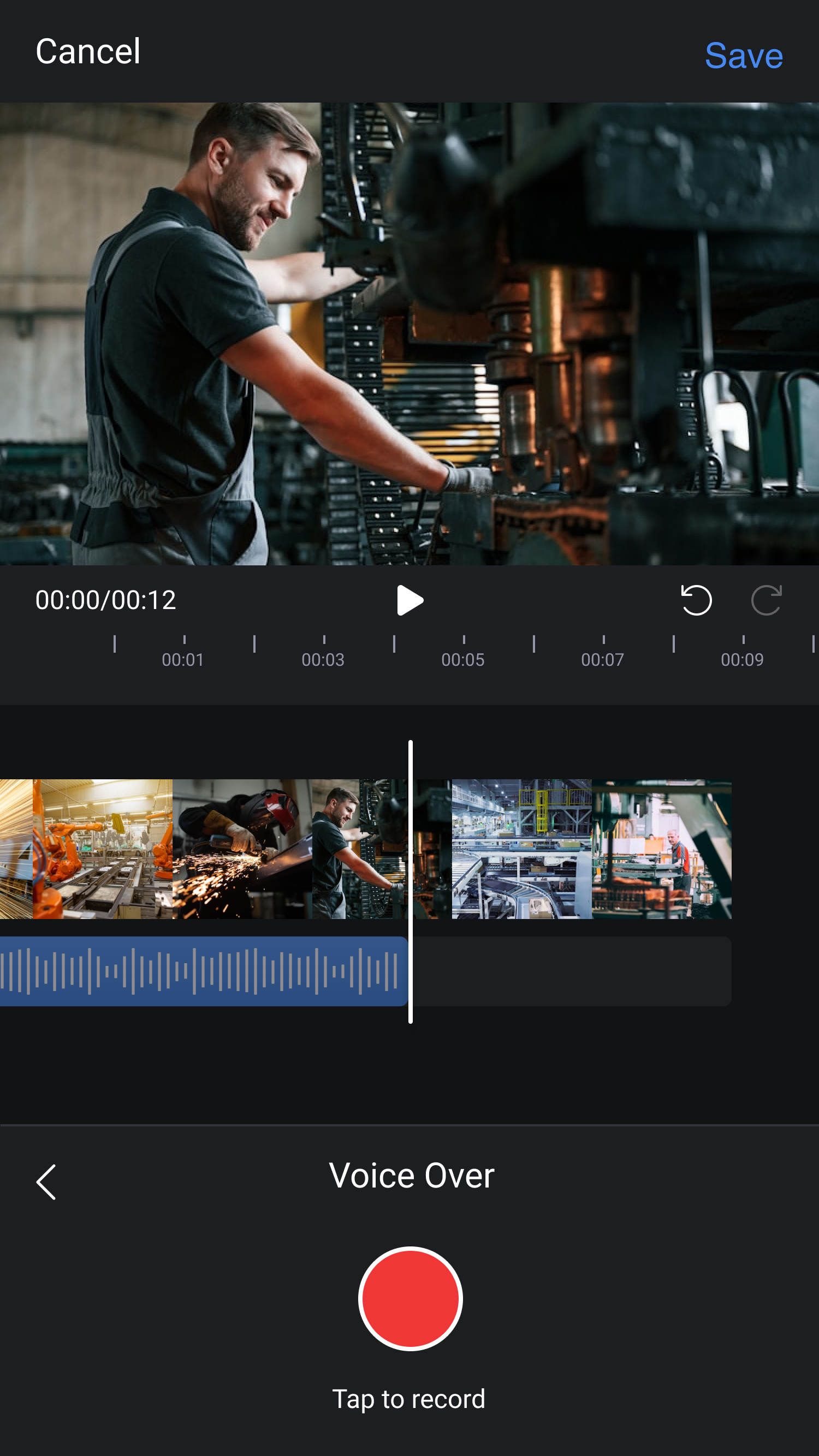
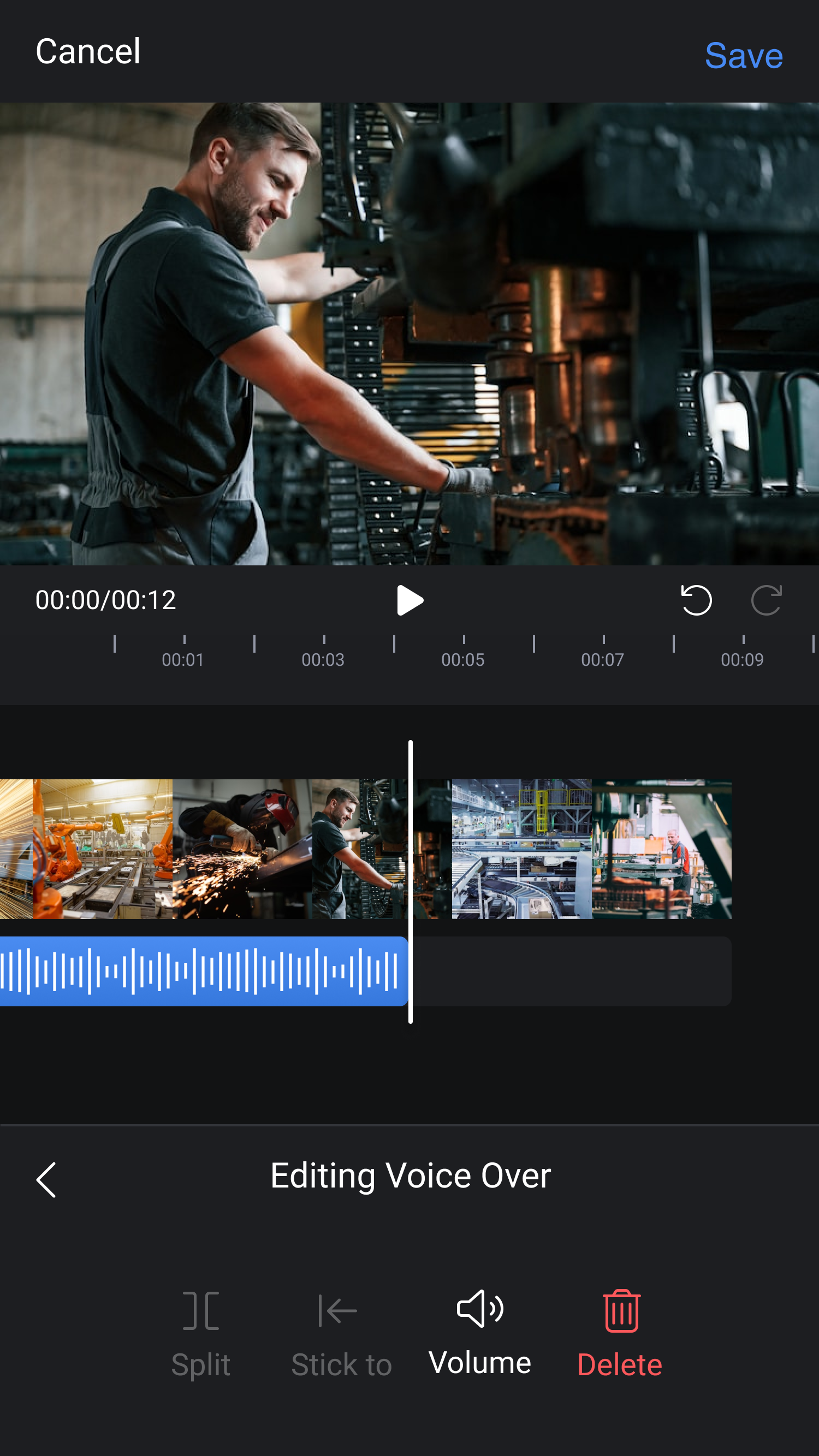
Voice-over, directly on the floor.
Experts could record narration immediately after capturing footage, without returning to a desktop environment. The voice-over flow was designed for speed and clarity , minimal steps, no learning curve, built for workers already under operational pressure.